Self-service kiosks and partner kiosks installed in Carrefour stores do not all offer the same services or pricing structures. Understanding the billing logic and cost differences between various printing points can help reduce expenses without sacrificing quality.
Photomaton Kiosks and Partner Kiosks: What Equipment in Which Carrefour
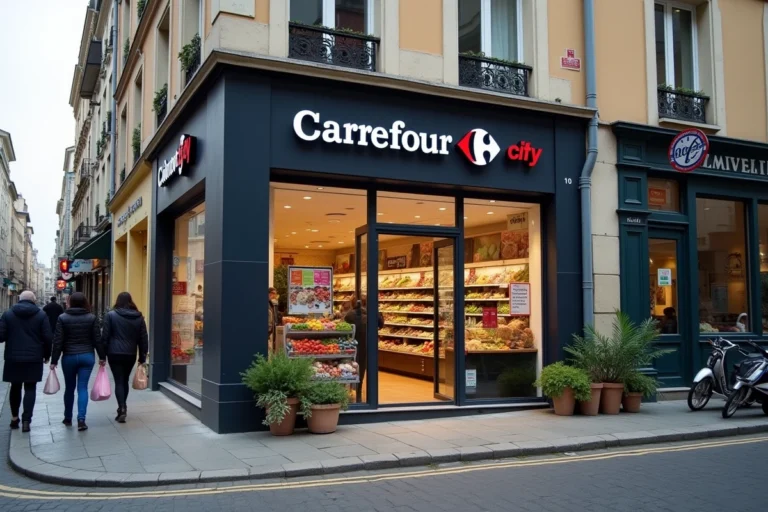
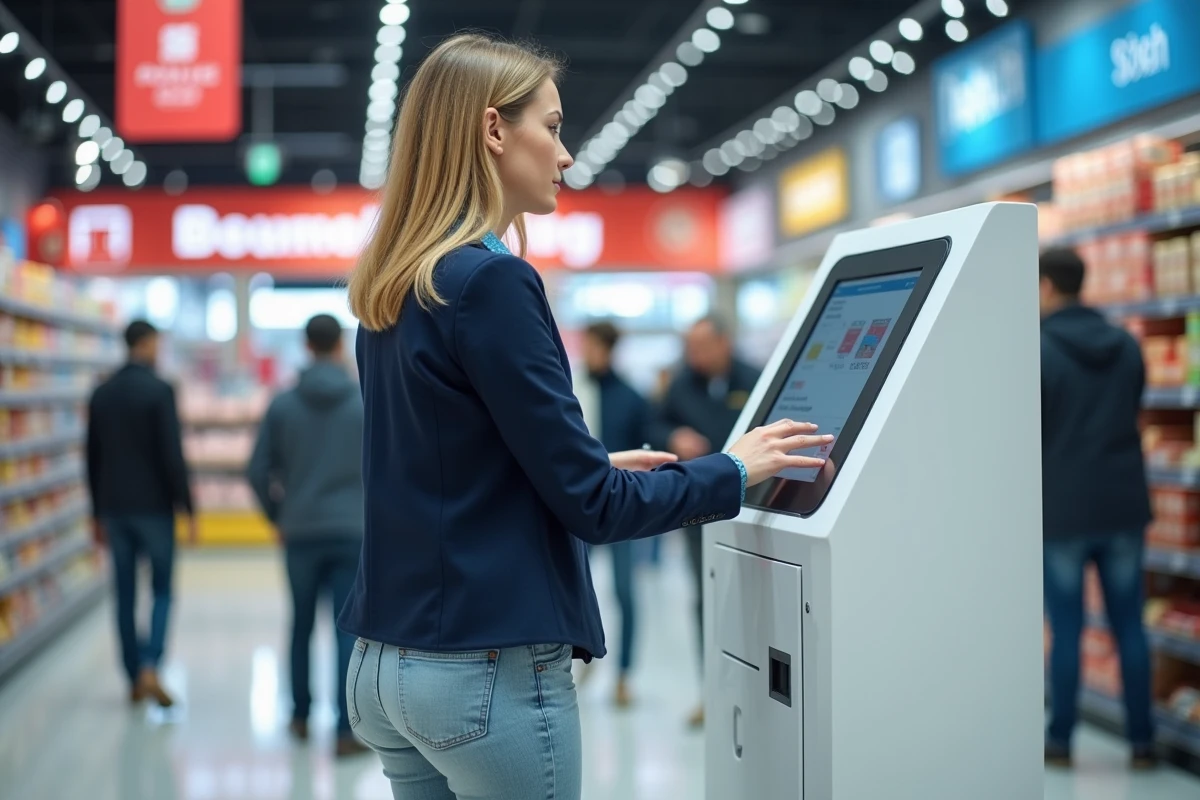
The printing service at Carrefour does not rely on a unified in-house system. Several Carrefour shopping centers in France host Photomaton kiosks that allow for A4 black and white photocopying and instant printing of digital photos, in addition to traditional ID photos.
Other stores, particularly some Carrefour Market locations, use local service providers. A recent example: the Cultural and Multimedia space of a Carrefour Market offers a document printing service through the provider SOLEKHA, with copies, quick prints, and assistance with administrative procedures.
Some Belgian Carrefour Markets are also deploying an integrated “Copy ME” service directly in-store, offering copying, scanning, and color printing. This disparity means that it is essential to check what equipment is available in your store before heading out.
An unnecessary detour to a Carrefour without a kiosk costs more in time and fuel than the printing itself. To anticipate the cost of document printing at Carrefour, check the store’s information on the carrefour.fr website or call the point of sale.
In-Store Printing Pricing at Carrefour: What Affects the Price
The price depends on the type of kiosk, not the Carrefour logo. A Photomaton kiosk applies its own national pricing structure. A third-party provider like SOLEKHA sets its prices locally. The Copy ME service in Belgium has yet another set of conditions.

Three variables determine the final cost of printing in-store:
- The format and color mode: an A4 black and white copy on a Photomaton kiosk remains the base price. Switching to color or A3 (when the format is available) significantly increases the price.
- The chosen medium: standard paper, glossy photo paper, or matte paper for digital prints. Photo kiosks charge per print, often individually, with a decreasing price based on volume.
- The number of copies: on most kiosks, the unit cost decreases as the quantity increases. For an administrative file of several pages, grouping all prints in one session avoids restarting the kiosk and potentially paying a minimum charge again.
Carrefour Spectacles, for its part, charges a home printing fee of 50 cents for tickets printed at home. This additional cost has nothing to do with the in-store document printing service, but it regularly causes confusion among customers.
Photo Printing at Carrefour Kiosks: Variations in Output and Actual Cost
The Photomaton kiosks in Carrefour shopping centers (like those in Geric Thionville or Vénissieux) offer instant printing of digital photos. The output is adequate for everyday use (souvenir prints, photos for a file), but the resolution and color gamut fall short of an online photo lab.
For a print intended for a frame or a portfolio, comparing with a specialized online printing service remains relevant. The quality difference is especially noticeable in skin tone gradients and skies, where the ICC profiles of self-service kiosks show their limitations.
However, for a compliant ID photo or a 10×15 print to slip into a wallet, the in-store kiosk remains the quickest choice. The unit cost of a photo print at the kiosk is around a few dozen cents but varies based on the selected format.
Reducing the Printing Bill: Concrete Levers
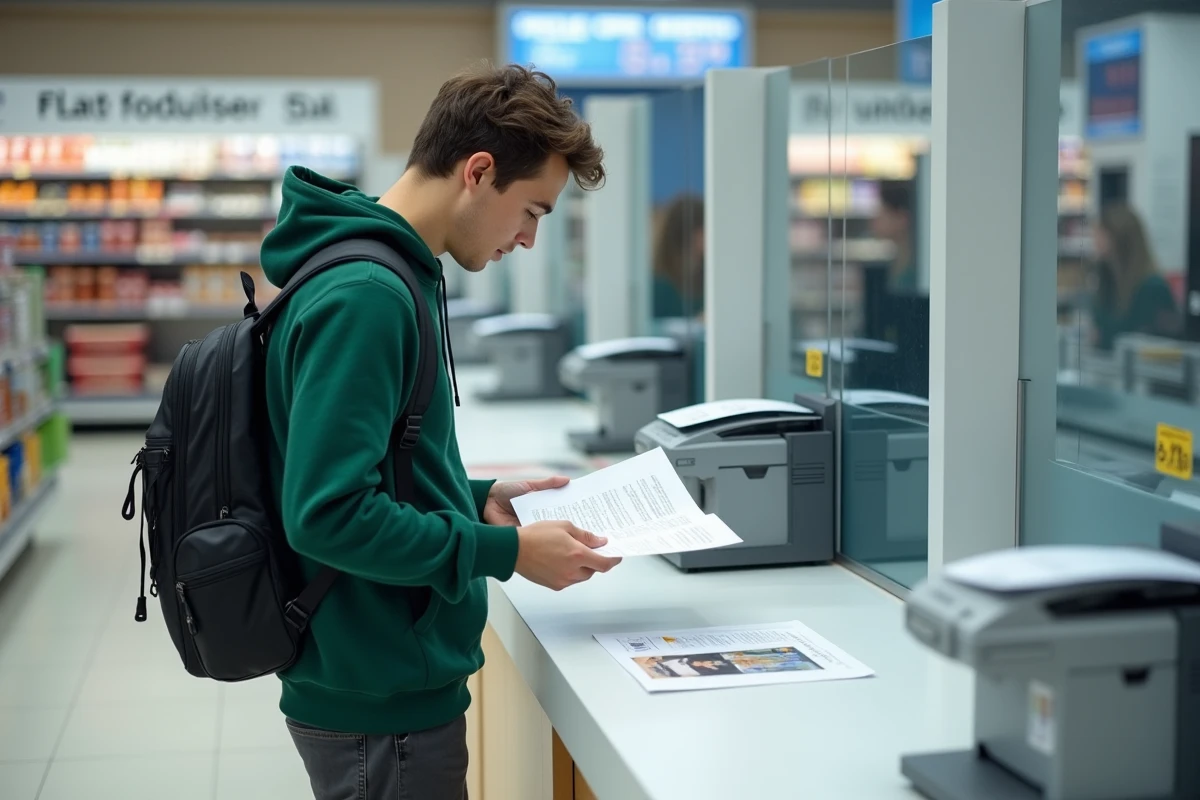
Preparing your file before arriving in-store is the first cost-saving lever. Cropping, removing unnecessary pages, converting to optimized PDF: each page saved beforehand means one less page charged at the kiosk.
Here are the most effective practices:
- Print in black and white by default. Color is only justified for documents containing graphics, photos, or legal elements requiring color (some administrative forms).
- Use double-sided printing when the kiosk allows it. This is not the case for all Photomaton kiosks, but the Copy ME service in Belgium and some third-party providers offer it.
- Merge multiple files into a single multi-page PDF before sending it to the kiosk. This avoids repeated manipulations on the touchscreen and reduces the risk of duplicate charges.
- Check if a USB drive is accepted. Some kiosks only read SD cards or Bluetooth connections, which can block printing if the file is on another medium.
For large volumes (rental files, student theses, legal documents), the cost at a self-service kiosk quickly exceeds that of an online printer with delivery. Beyond about twenty color pages, comparing with a specialized web service becomes relevant.
Alternatives to Printing at Carrefour and Profitability Thresholds
The Carrefour kiosks target a one-time need: a few quick copies while shopping. For regular use, other options offer better value for money.
Municipal libraries and France Services spaces often provide printers at very low rates, sometimes free for administrative procedures. University copiers also remain among the cheapest on the market for students.
The profitability threshold for a personal printer generally lies around a few hundred pages per year. Below that, in-store kiosks or occasional printing points remain more economical, especially when factoring in the cost of cartridges and maintenance of a home device.
The in-store printing offer at Carrefour evolves with local partnerships. Before each print, checking the availability of the service and the type of kiosk installed remains the most cost-effective precaution.